
8 Appointment Reminder SMS & Email Templates — Reveo

Eight copy-and-paste appointment reminder templates — SMS and email — that cut no-show rates dramatically. Timing and cadence are everything. Use these at 48 hours, 24 hours, and the morning of.
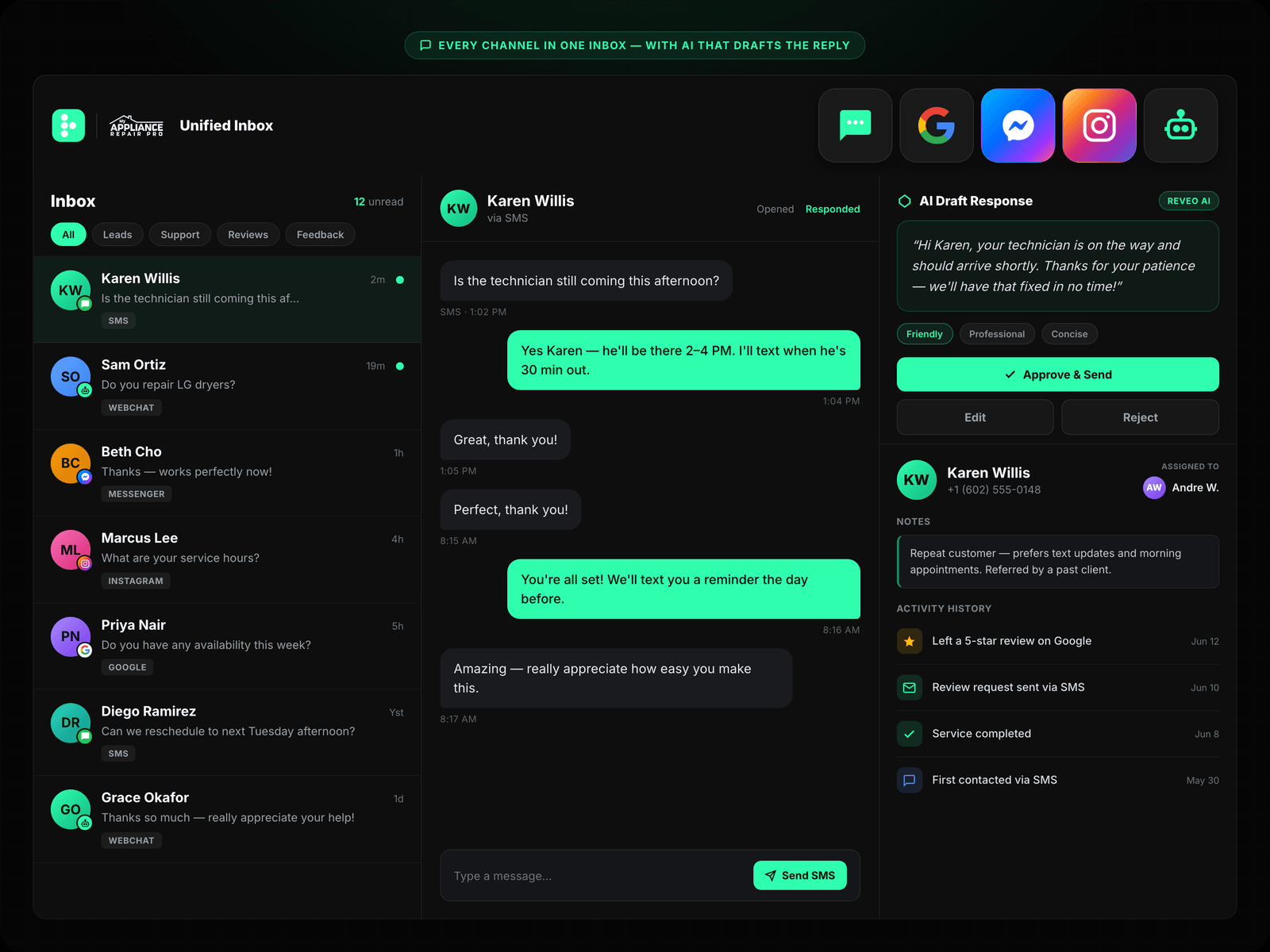
No-shows are one of the quietest profit leaks in home service and appointment-based businesses. Industry benchmarks put typical no-show rates between 10% and 30% — and every missed slot is wasted route time, idle technicians, and a customer who still needs rescheduling. A layered reminder sequence (48 hours out, 24 hours out, morning-of or en-route) typically cuts that rate by half or more.
The templates below cover the full arc of a booking: confirmation, two advance nudges, an arrival window, an “on the way” ping, a reschedule-friendly reminder, a no-show follow-up, and a recurring service reminder for maintenance contracts. Copy them, paste your variables, and ship.
What makes a great appointment reminder
-
Clear date & time — Spell it out. “Tuesday, April 23 at 2:00 PM” beats “your upcoming appointment” every time.
-
Name the tech — “Your tech will be Marcus” builds trust and reduces cancellations before the truck even rolls.
-
One-tap reschedule — Give them a frictionless out. A reschedule link beats a canceled-with-an-hour-to-go phone call.
-
Ask for confirmation — “Reply Y to confirm” gives you a commitment device and a live opt-in you can route automations off of.
Merge tags in every template
Swap these in from your CRM, FSM, or scheduler. In Reveo, every one of these is available on the contact + appointment objects out of the box.
{first_name} {business_name} {tech_name} {appointment_date} {appointment_time} {reschedule_link} {address}
When to use: SMS 48-hour heads-up
Hi {first_name}, it's {business_name}. Quick heads-up — we have you booked for {appointment_date} at {appointment_time}. Reply Y to confirm, or if something has come up: {reschedule_link} When to use: SMS 24-hour lock it in
Hi {first_name}, reminder from {business_name}: {tech_name} is scheduled for tomorrow, {appointment_date} at {appointment_time}. We'll see you at {address}. Need to move it? {reschedule_link} When to use: SMS On the way · 15 min out
Hi {first_name}, {tech_name} from {business_name} is on the way — about 15 minutes out. Please make sure pets are secured and the work area is accessible. See you soon! When to use: Email At booking
Hi {first_name},

Thanks for booking with {business_name}! Your appointment is confirmed:

  Date:     {appointment_date}
  Time:     {appointment_time}
  Tech:     {tech_name}
  Address:  {address}

We'll send a text reminder 24 hours before your visit and another when your tech is on the way.

If anything changes, you can reschedule here: {reschedule_link}

Thanks, The {business_name} team When to use: Email Morning of · arrival window
Hi {first_name},

Today is your appointment with {business_name}. Here's what to expect:

  Arrival window:  {appointment_time}
  Your tech:       {tech_name}
  Address:         {address}

We'll text you again when {tech_name} is about 15 minutes out so you have plenty of notice.

Need to push this out? No problem: {reschedule_link}

Talk soon, {business_name} When to use: SMS Reschedule-friendly
Hi {first_name}, {business_name} here. We know life gets busy — if {appointment_date} at {appointment_time} no longer works, just pick a new time that does: {reschedule_link}. If you're all set, no reply needed. We'll see you then! When to use: SMS No-show · same day
Hi {first_name}, {business_name} here — we missed you today at {appointment_time}. No worries, it happens. Want to grab a new time? {reschedule_link} Or just reply with a day/time that works and we'll get you back on the schedule. When to use: Email Recurring · maintenance contract
Hi {first_name},

You're due for your next scheduled service with {business_name}. Based on your plan, we'd like to get you back on the calendar in the next couple of weeks.

  Service address:  {address}
  Last tech:        {tech_name}
  Suggested date:   {appointment_date} at {appointment_time}

If that works, just reply "yes" and we'll lock it in. Prefer a different day? Pick one here: {reschedule_link}

Thanks for being a loyal {business_name} customer, The Scheduling Team
Stop copy-pasting. Automate it.
Reveo sends these automatically after every job — personalized, on-brand, and measurable. Book a demo to start your free trial.